
Websites for local service businesses
Your website.
Every change included.
Give customers a clear reason to choose you. We build your website, keep it running and handle every change as your business grows.
$48/month. No setup fee.
Routine updates live in 2 hours.
Bigger changes included too, with more time.
Use your website before you subscribe. No card required.
 Built and looked after by Carlos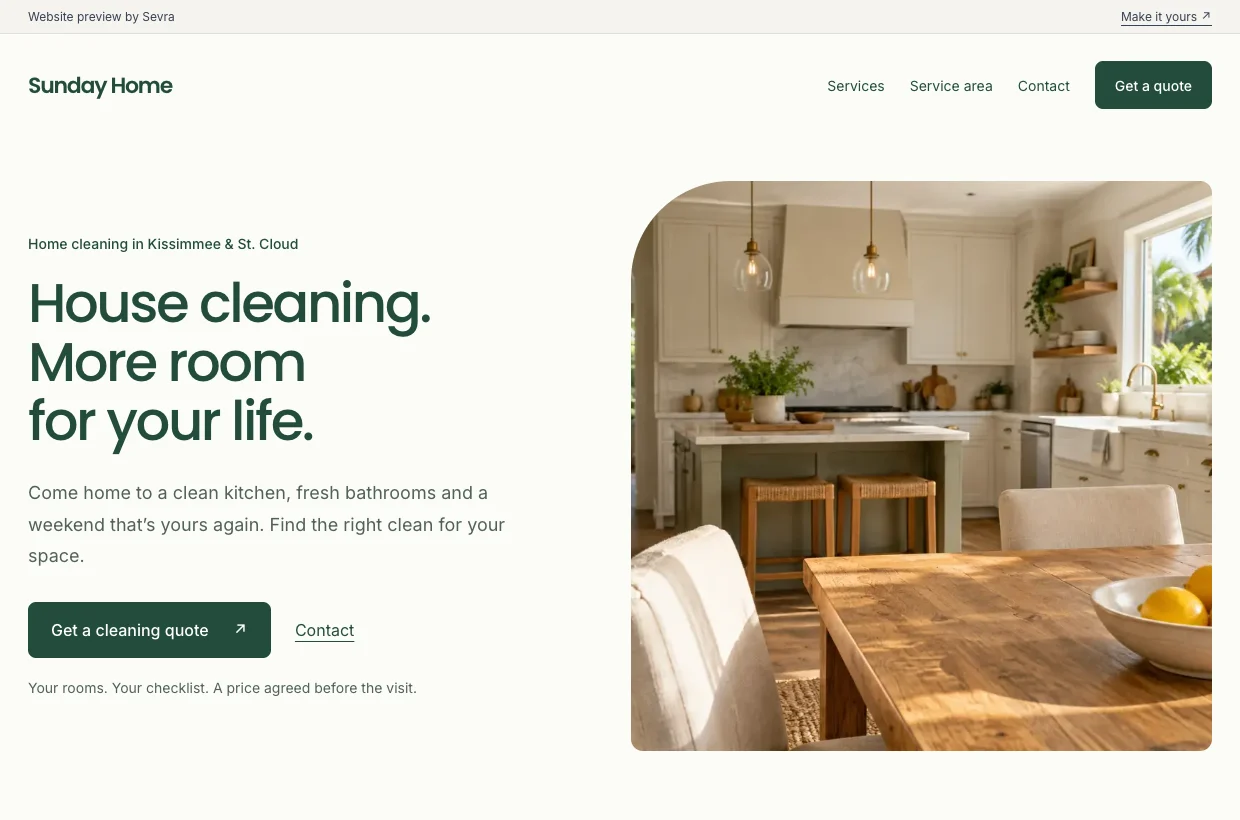
Built around your business.
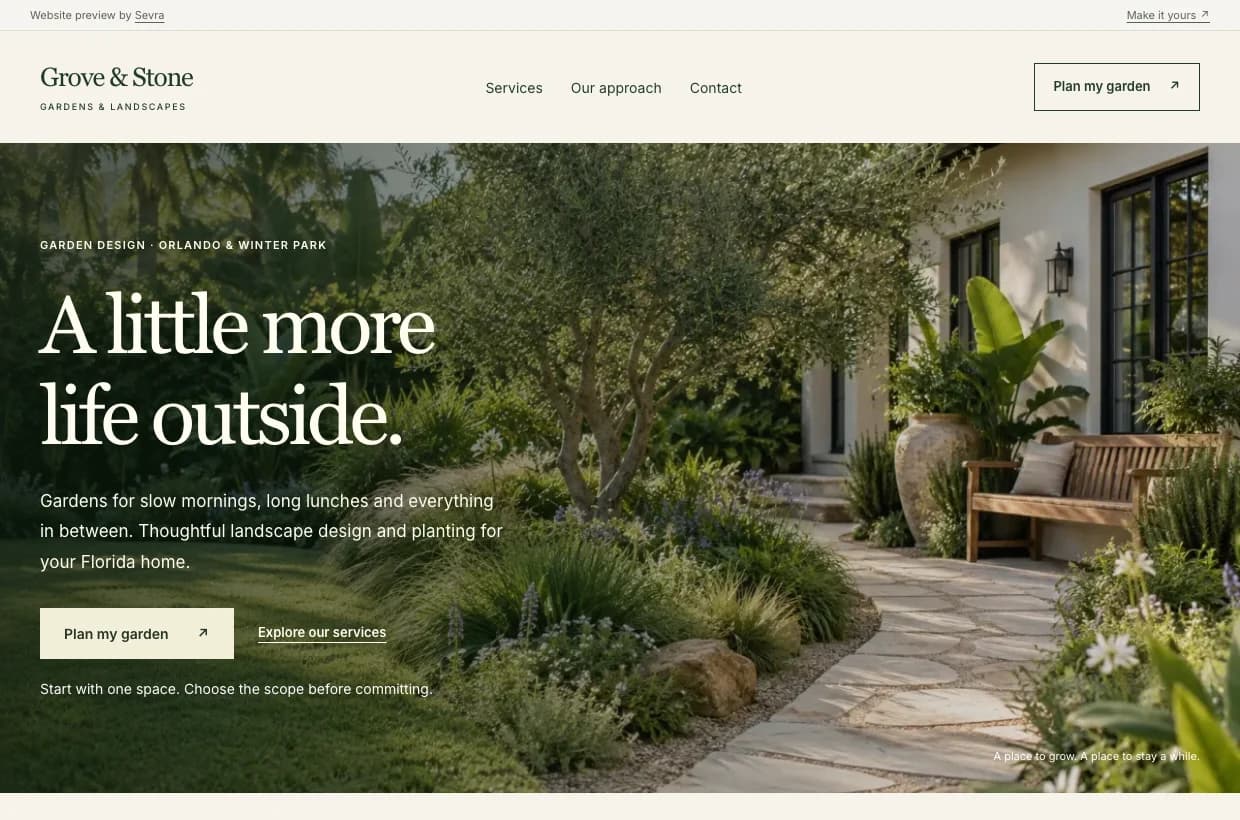
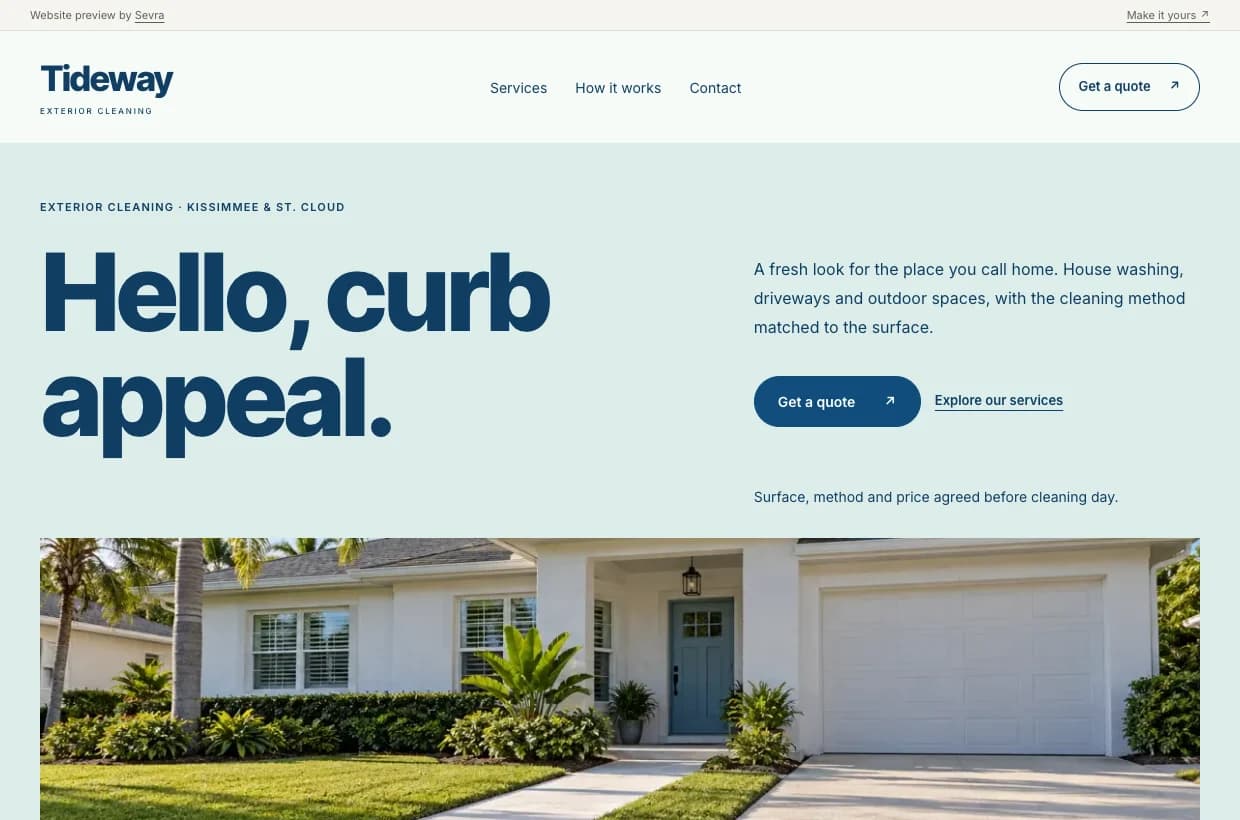
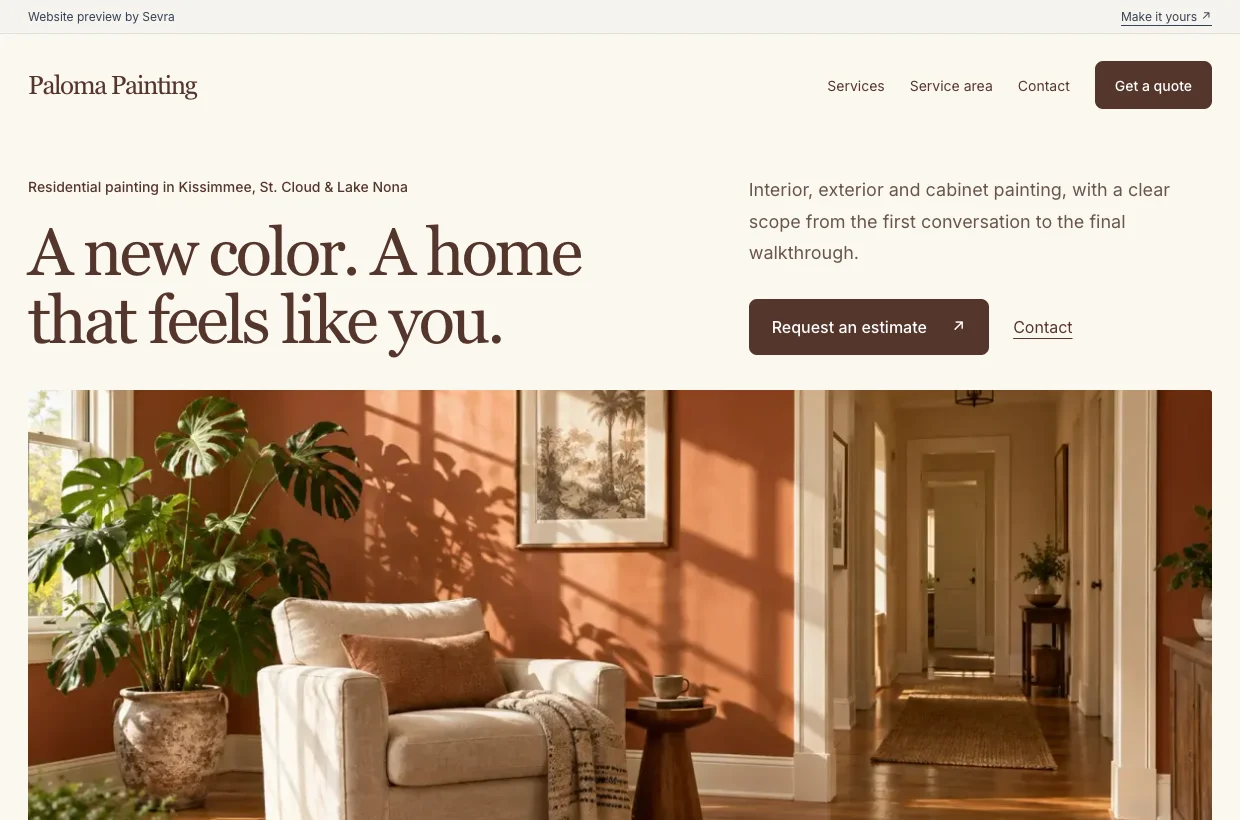
Your services. Your area. A simple way to get in touch. See what your own working website could look like.
A website that feels
like your business.
Explore these example websites. Yours will be built around your brand, your services and your customers.
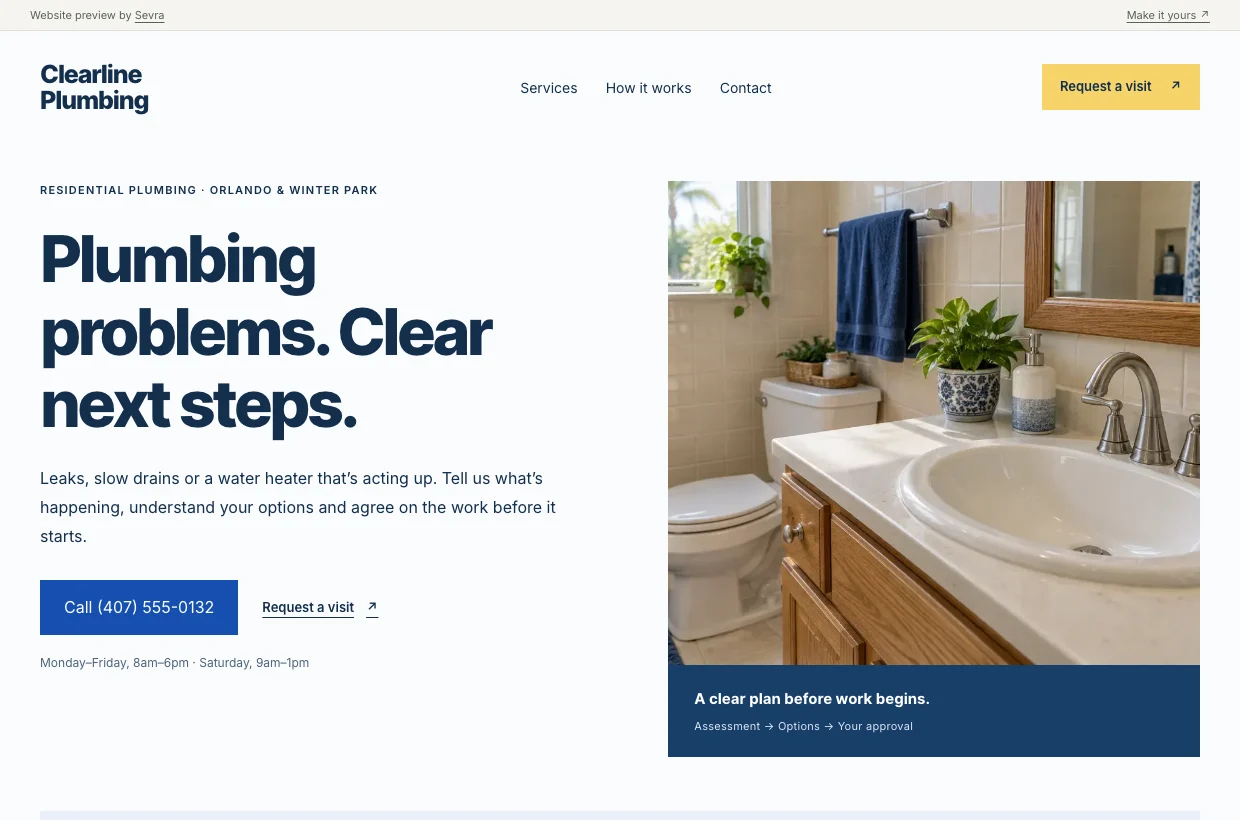
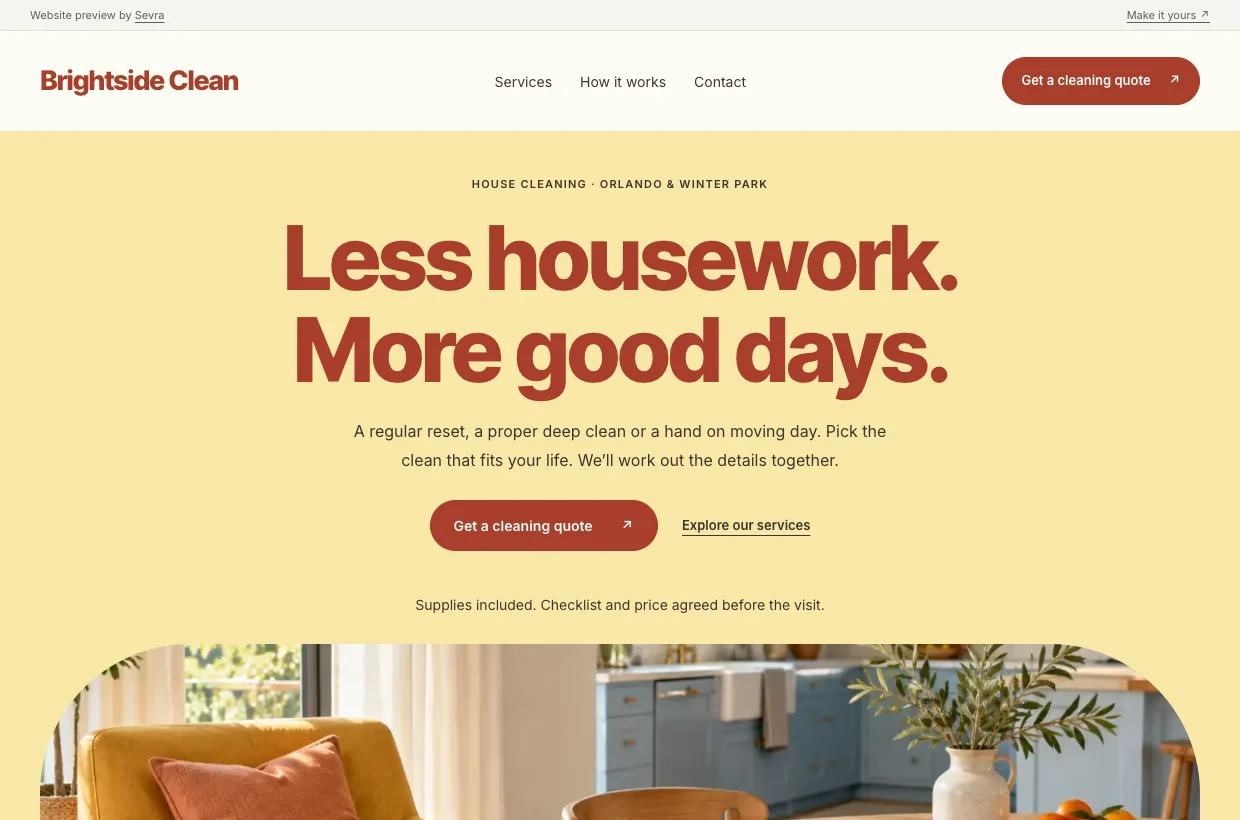
Your business changes.
Your website keeps up.
New hours, a new service or a whole new direction. Send Carlos what you need and we handle it. All changes to your website are included in the same monthly price.
2 hours
Routine updates, live
New hours, a price change, updated text or photos you supply. We make the change, check it and send you the link.
Up to a day
Most larger changes
A new service page, a layout change or a bigger set of updates. Tell us what you have in mind and we confirm the timing.
Still included
Even the complex work
A redesign, booking features or an online store. Complex work and rounds of feedback can take longer. We explain the plan and keep you updated.
Timing starts when we have the details, assets and access needed to make the change. Evening and weekend support is available. If we need your feedback or a third-party service is holding things up, we explain what is needed and when to expect the result.
Use it first. Then choose ongoing care.
Tell us about your business
Send your name, services and service area. A website or Google profile link helps. We take care of the wording and design.
Try your working website
Your first website is ready within two business days once the details are complete. Check the facts, try your inquiry inbox and tell us what you would change. The first changes are on us.
Keep it running with us
Choose $48/month when you’re ready for ongoing hosting and all website changes. Keep your Sevra address or connect your own domain. Using the website does not start a subscription.
Your inquiries, in one place
Keep the next conversation moving.
When someone contacts you through your website, their request lands in your private inbox. Enable email notifications from your inbox. Each request stays saved even if its email needs another attempt.
See the details, add a private note and track what happens next. Sign in with a link sent to your email. No password, no new system to maintain.
Illustrative inbox
Your inquiries
One next step at a timePrivate notes · Status tracking · Follow-up dates
One website. Every change included.
$48 / month
No setup fee. No annual contract.
Cancel anytime.
30-day refund promise.
You subscribe when you choose ongoing care. If it is not for you, ask within 30 days of paid service starting on your working website for a full refund of the website subscription payments made through that window.
Read the refund terms- A website designed and written for your business
- Mobile layouts, service pages and clear contact options
- Hosting, maintenance, page titles and search information
- Your Sevra website address, or connection to your own domain
- Private inquiry inbox, email notifications and easy sign-in
- All website changes, including new pages and features
- Routine updates live within two hours
- Direct support from Carlos, including evenings and weekends
Larger or iterative changes can take longer and remain included. Domain registration and approved third-party fees are separate. Google care is an optional add-on below. Other work outside your website is quoted separately.
Your domain stays yours. Want to move later? Take your website files and content with you, with no exit fee.
Optional Google care
Your Google profile, looked after too.
We keep your Google hours, services and photos up to date, publish useful posts and help you respond to reviews.
+$29 / month
Per location, for Sevra website customers.
$77/month with your website and one profile.

You know who to ask.
A person who knows your website.
I’m Carlos. I build your website and stay with you after launch. Send me an email when something needs changing, when something goes wrong or when you have an idea. I’ll handle the work and let you know when it’s ready.
Meet Carlos and see his work ↗A few useful details.
Does every website change really mean every change?
Yes. Text, photos, new pages, a redesign, booking features, an online store and complex changes to your Sevra website are all included in your $48/month. There is no numerical monthly limit on requests. Larger or iterative work can take longer, and we explain the timeline. Your domain and any third-party subscriptions or transaction fees are separate, and we agree on those costs with you first. The subscription covers one website.
How does the two-hour turnaround work?
Routine changes, such as updating hours, text, contact details or supplied photos, are checked and live within two hours once we have the details, assets and access needed. Larger changes usually take up to a day. Unusually complex work or changes that need your feedback can take longer, but remain included. We explain the timing and keep you updated. Evening and weekend support is available too.
What if I already have a website?
Send us the link. We review what you have and build a working website around your business. We agree on what to keep and how to move before replacing anything. If you own a domain, it stays in your account and we connect it when you approve the new site.
Do I need to buy a domain?
No. Your managed website includes a business.sevra.page address. Try your working website before subscribing, then keep the same address when you choose ongoing care. If you prefer your own domain, we connect it when you are ready. You own and pay for that domain, and the Sevra address is included while your website subscription is active.
Where do my website inquiries go?
They arrive in your private inquiry inbox. Before subscribing, you can enable email notifications when you sign in. Sign in through a link sent to your email, with no password to remember. Keep notes, update each inquiry’s status and choose a follow-up date. Visitors do not need an account, and an inquiry is not a confirmed booking.
Do I need to write the copy or have photos ready?
Start with your business name, services and service area. Your website, Google profile or Facebook page helps too. Send a logo or photos if you have them. We write and design the first draft, and you check that the facts are right and approve the result.
When do I pay, and what if it is not for me?
Try your working website and ask for the first changes before deciding. No card required. The $48/month subscription starts only when you choose ongoing care and complete checkout. Request a refund within 30 days of paid service beginning on your working website and we refund your first $48 plus any website subscription renewals charged within that window. If it has not launched, all website subscription payments are refundable on request. Cancel anytime by email to stop the next renewal.
Can I take my website with me?
Yes. Your domain stays in your account. Ask for your website files and content before you leave and we provide them without an exit fee. You or your next provider arrange hosting and reconnect forms and other services. Third-party assets keep their existing licenses.
What does Google care include?
Google care is an optional $29/month per location for Sevra website customers, or $77/month for one website and one profile. There is no setup fee for an existing verified profile. Google Business Profile itself is free. Our fee covers managing it for you.
We maintain your details, hours, services and supplied photos, prepare useful posts, monitor reviews and help with replies. You keep ownership and give us manager access. We publish replies with your written approval. Complaints need your input and approval.
Profile recovery, ownership disputes, extensive complaint handling and other business tasks are quoted separately. Google controls review and publication times, so the website’s two-hour promise does not apply.
We agree on access, scope and billing before starting. Google care never starts automatically with your website subscription.
Google’s guide to working with a profile managerWill the website bring me more customers?
We make your services clear and help visitors contact you. We set up page titles and search information, but do not promise rankings, traffic or leads. Ongoing SEO campaigns and advertising are separate services. We can discuss what makes sense for your business.
Your business. Your working website.
Try your website before you subscribe.
Tell us what you do and where you work. We handle the wording and design. Your first website is ready within two business days once we have the details.
Carlos replies within one business day to confirm the details. No card, no payment and no obligation to go ahead.
Prefer email? carlos@sevrahq.com